See QuantumShelf in Action
Point the camera. Skip the keyboard. The app does the data entry.
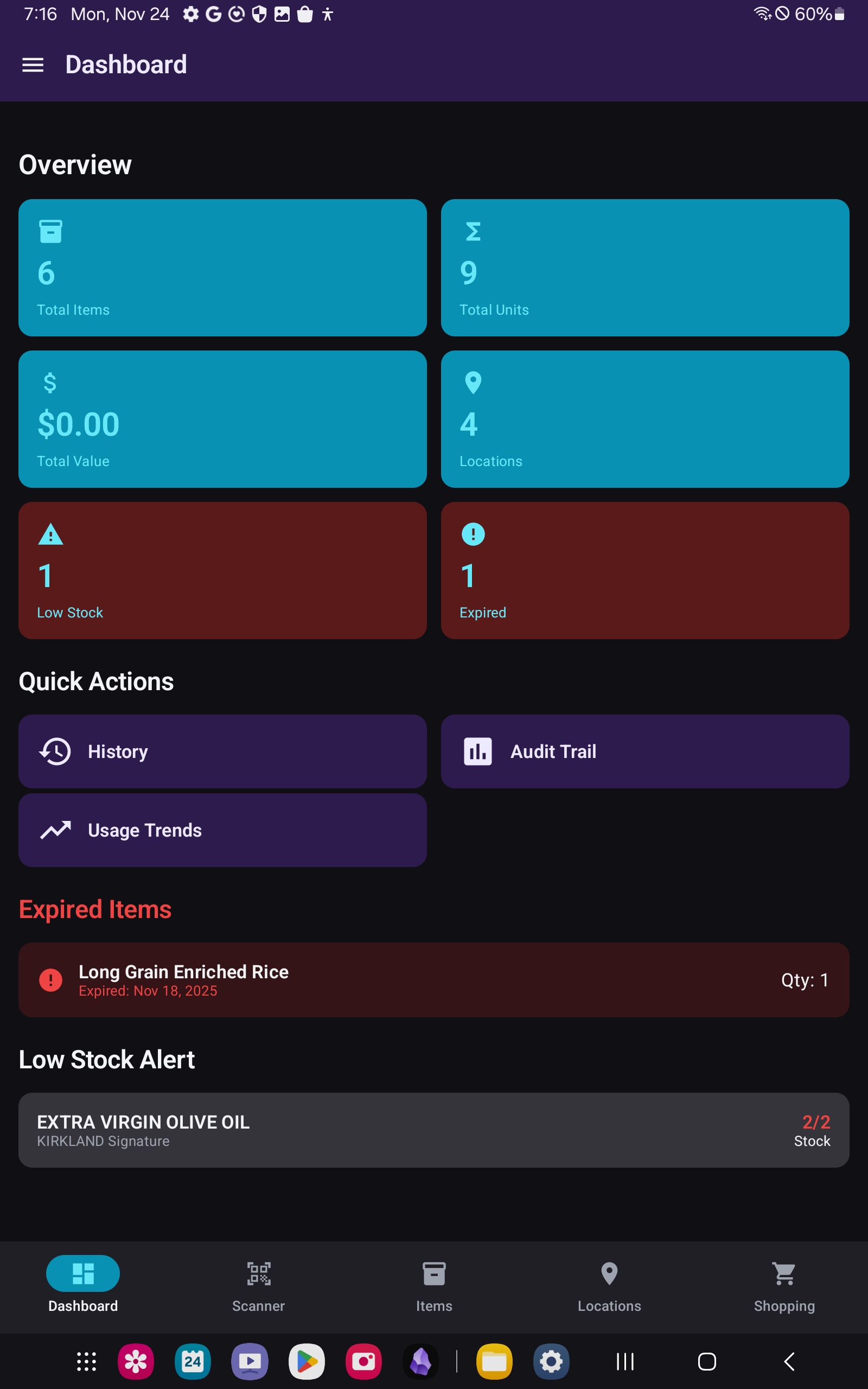
Know what's about to expire — at a glance
Your dashboard surfaces total items, units, inventory value, low-stock items, and everything approaching its expiration date, with color-coded status you can read in a second.
- Color-coded freshness: red expired, orange today, yellow soon, green fresh
- Configurable alert window from 1 to 30 days
- Low-stock items and expiring batches surfaced automatically
- Live sync across every device in your household
🤖 The package fills in its own details
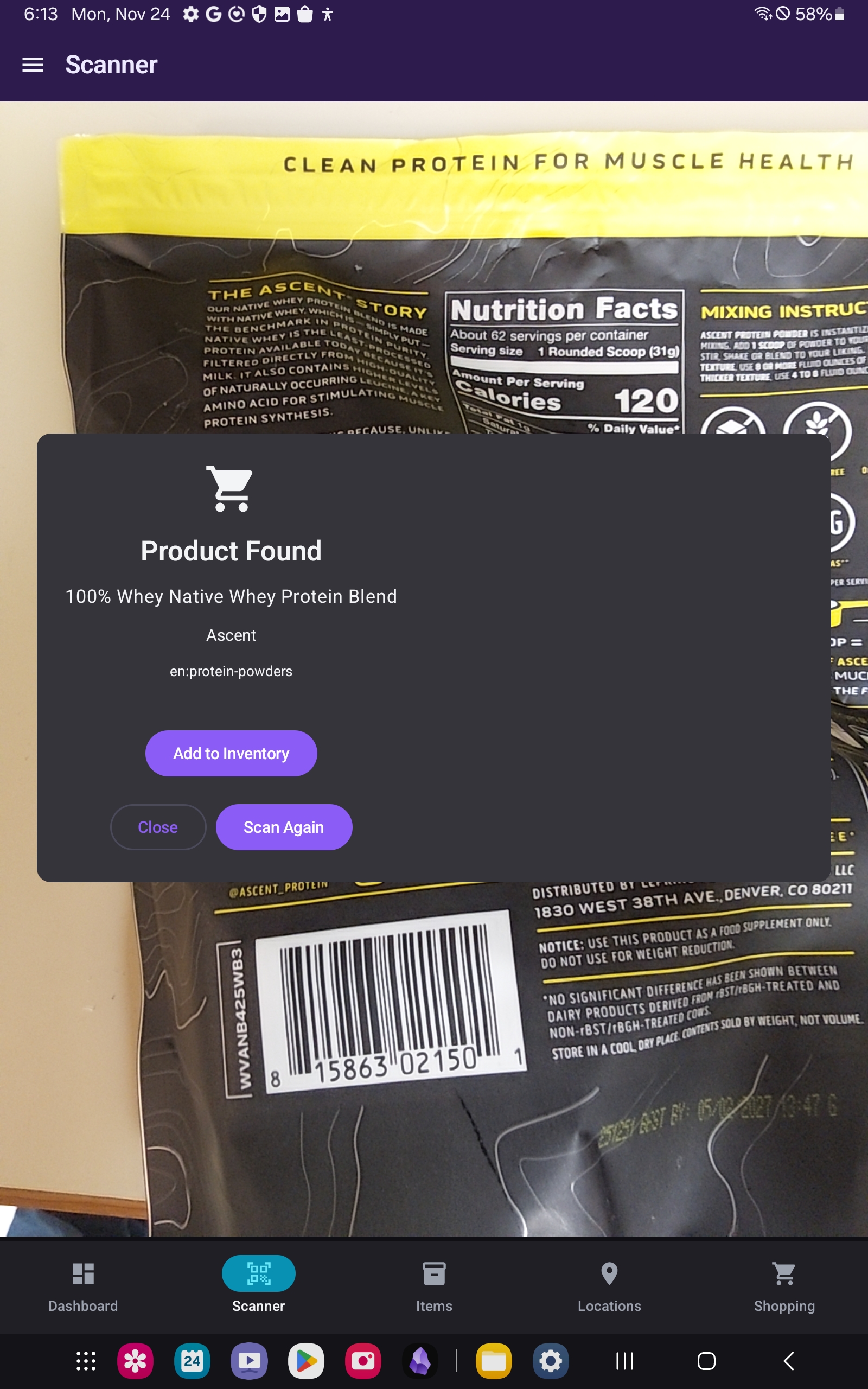
Photograph a product's front, back, and nutrition panel and Google Gemini extracts the name, brand, barcode, expiration date, nutrition facts, and allergens. Printed labels and handwritten dates both work.
- Auto-fills name, brand, barcode, and expiration date
- Food: allergens, nutrition, storage instructions, batch numbers
- Non-food: serial number, model, warranty, condition
- Powered transparently by Google Gemini
👥 One inventory. Everyone in the house.
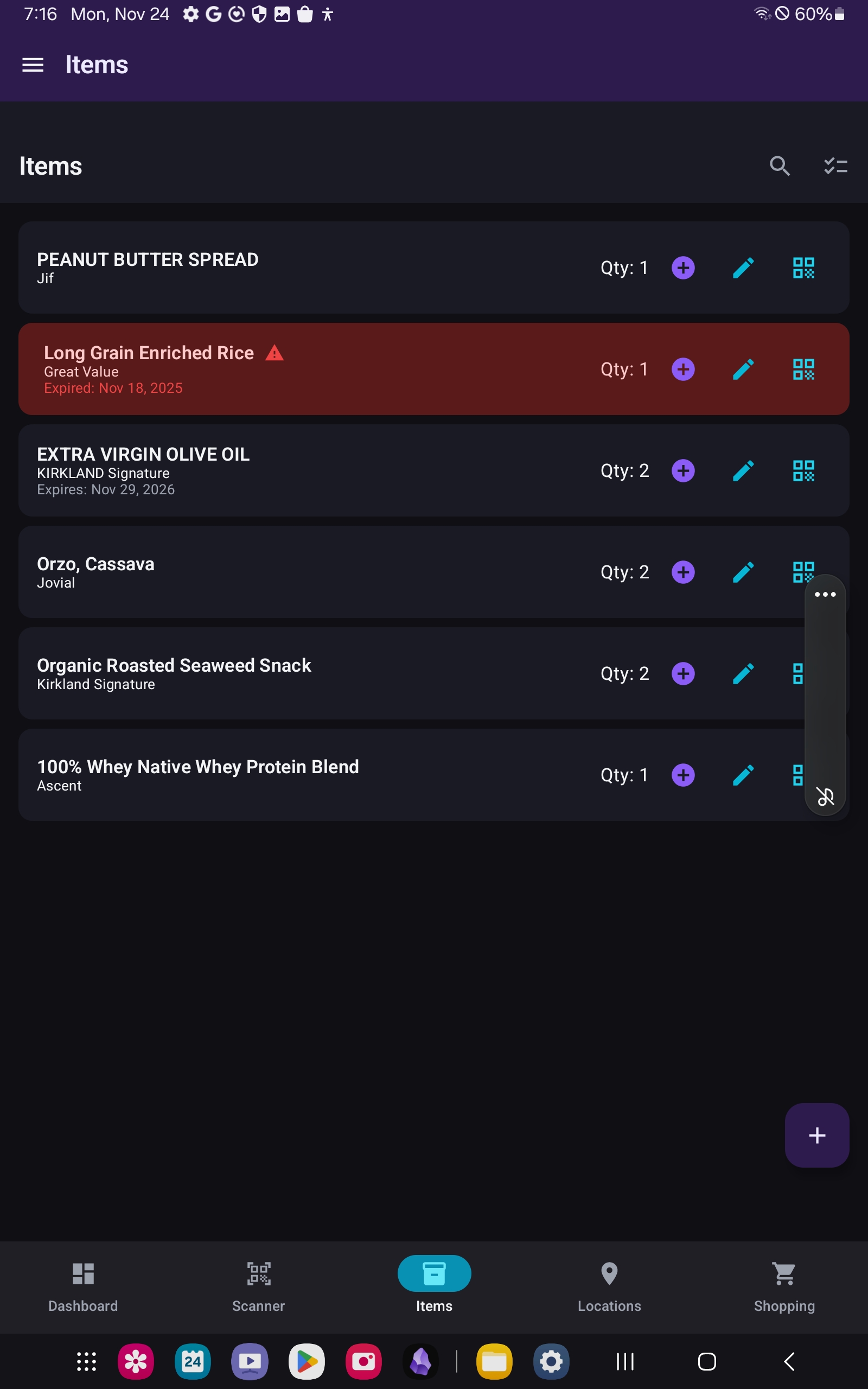
Create a household, invite people with a short code or shareable link, and everyone works from the same live inventory. Four permission levels mean each person gets exactly the access they should have.
- Four roles: Owner, Admin, Member, and read-only Viewer
- Real-time sync across every member's phone, iPhone or Android
- One shared history and audit trail — see who changed what
- Sign in with Apple, Google, or email
🏷️ A label for every bin
Print QR labels on Avery sheets with any printer, or on a Bluetooth label printer. Scan the label — or tap an NFC tag — and the bin's contents open. Barcodes work too: scan any UPC or EAN for an instant product lookup.
- Bluetooth label printers: Niimbot, Phomemo, Zebra, and TSPL models
- Pick what prints — name, location, expiration, lot, price, warranty — and in what order
- Queue labels to fill an Avery sheet over time, skipping spots you've used
- Rewritable NFC tags for bins and items — tap to open, even with the app closed
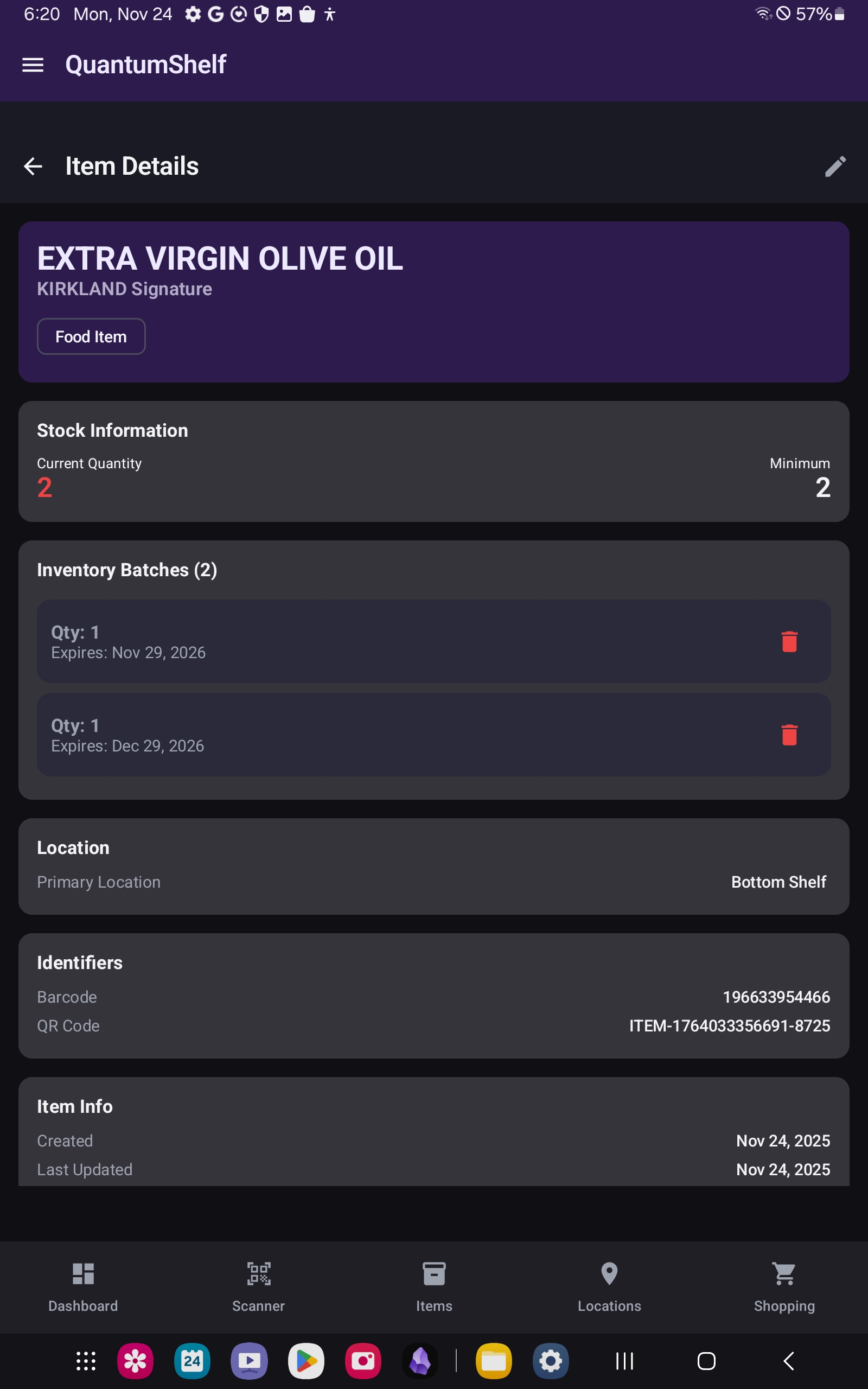
📸 One photo, whole shelf
Photograph a shelf to stock it, or the counter after cooking and everything you used comes off. A grocery receipt adds the whole trip at once — names, quantities, prices, and store. You review every count before anything is saved.
- Photo count: set category, expiration, and quantity per item, or split one product across dates
- Receipt scan adds 50+ items in a single tap
- Recipe scan from a photo or a pasted recipe link
- Shopping-list scan turns a scrawled note into a digital list
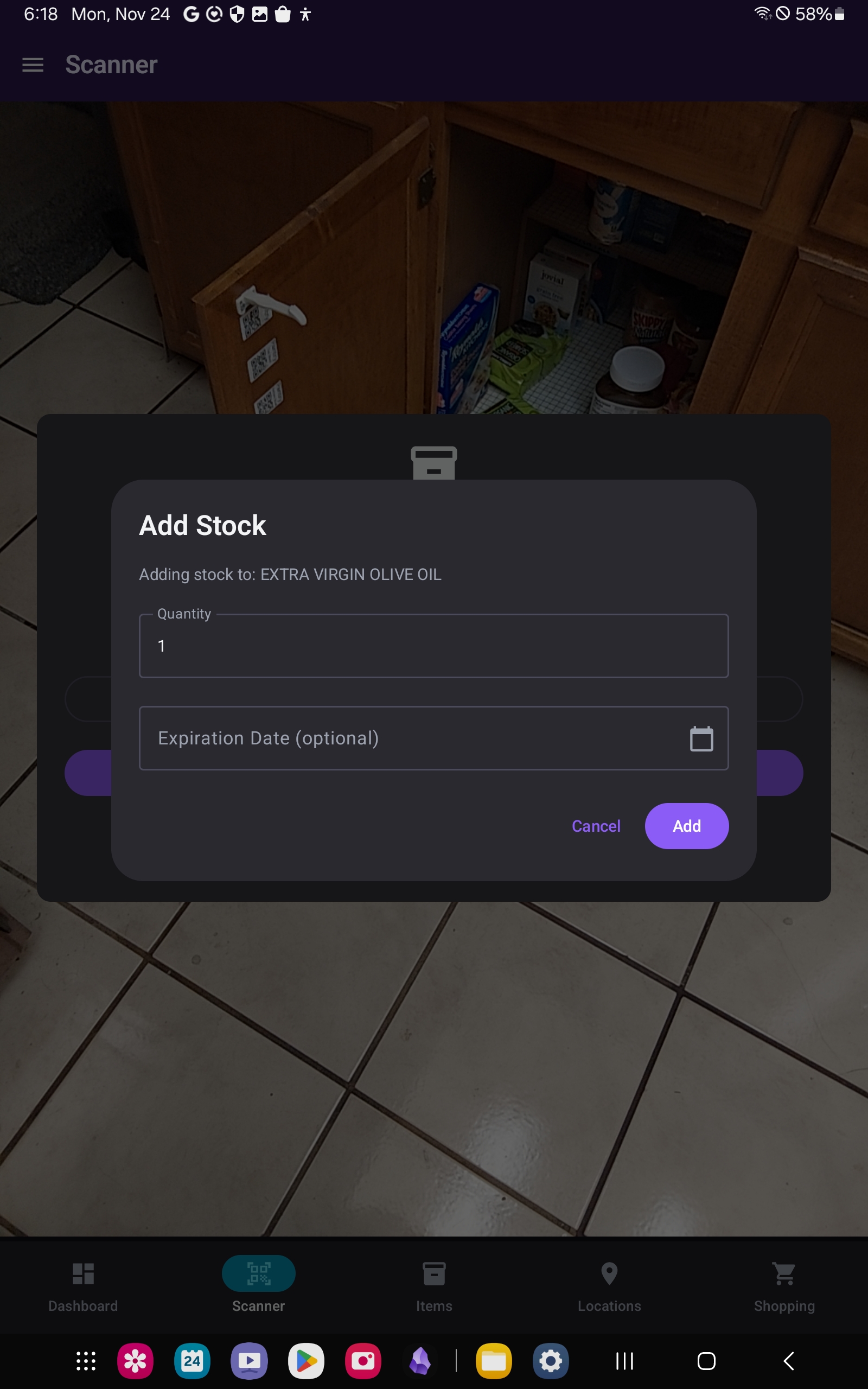
📍 Nest it the way you actually store it
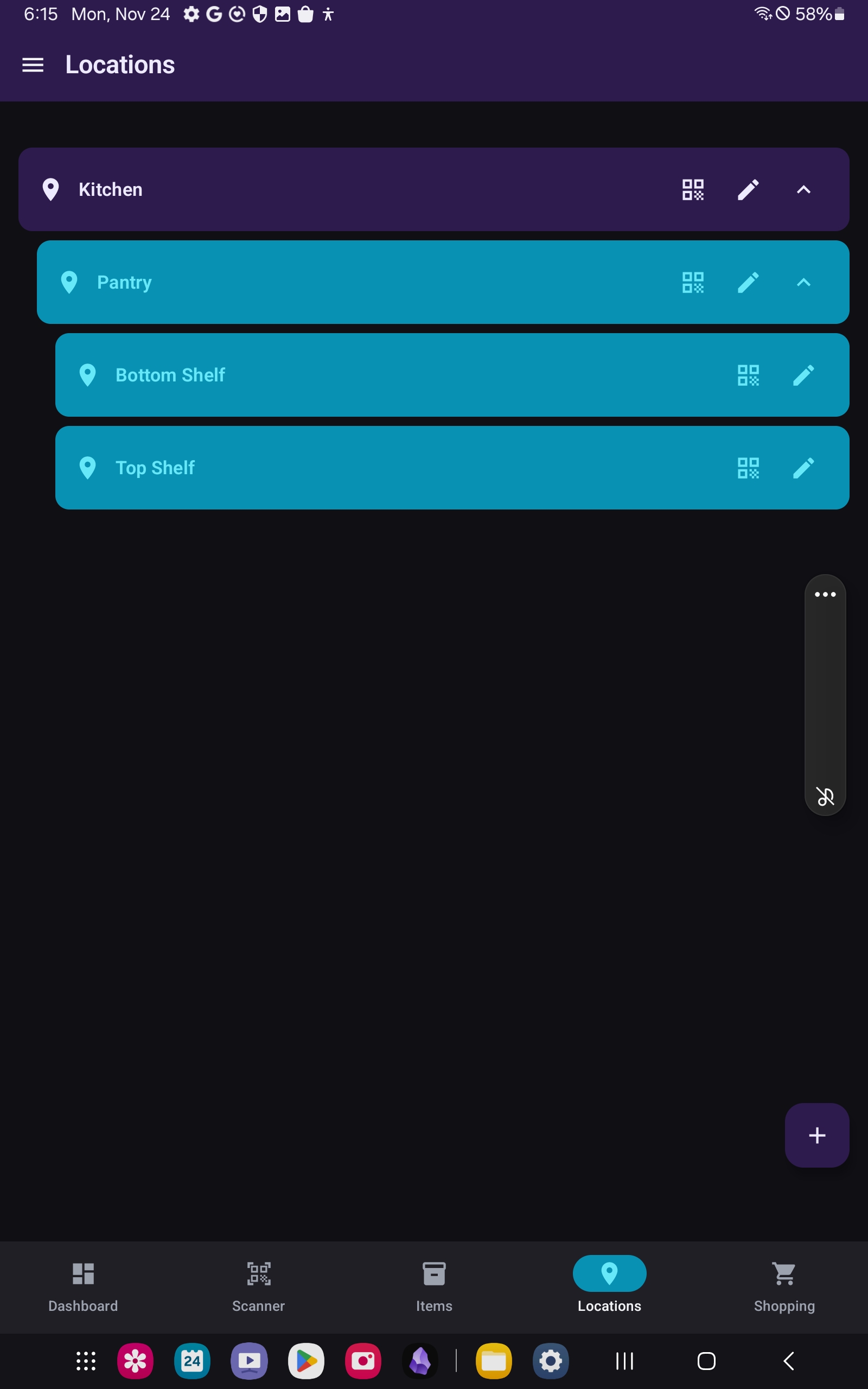
Build storage locations as deep as you need — Kitchen → Pantry → Top Shelf — with rolled-up counts, and organize items with a full set of built-in categories plus your own.
- Unlimited hierarchical locations with rolled-up counts
- 94 built-in categories, plus custom colors and icons
- Custom fields and field-visibility controls to keep adding fast
- Batch tracking — multiple expiration dates per item